Lesson 9: Connecting Your Wallet

🎧 Lesson Podcast

🎬 Video Overview

Lesson 9: Connecting Your Wallet
Header

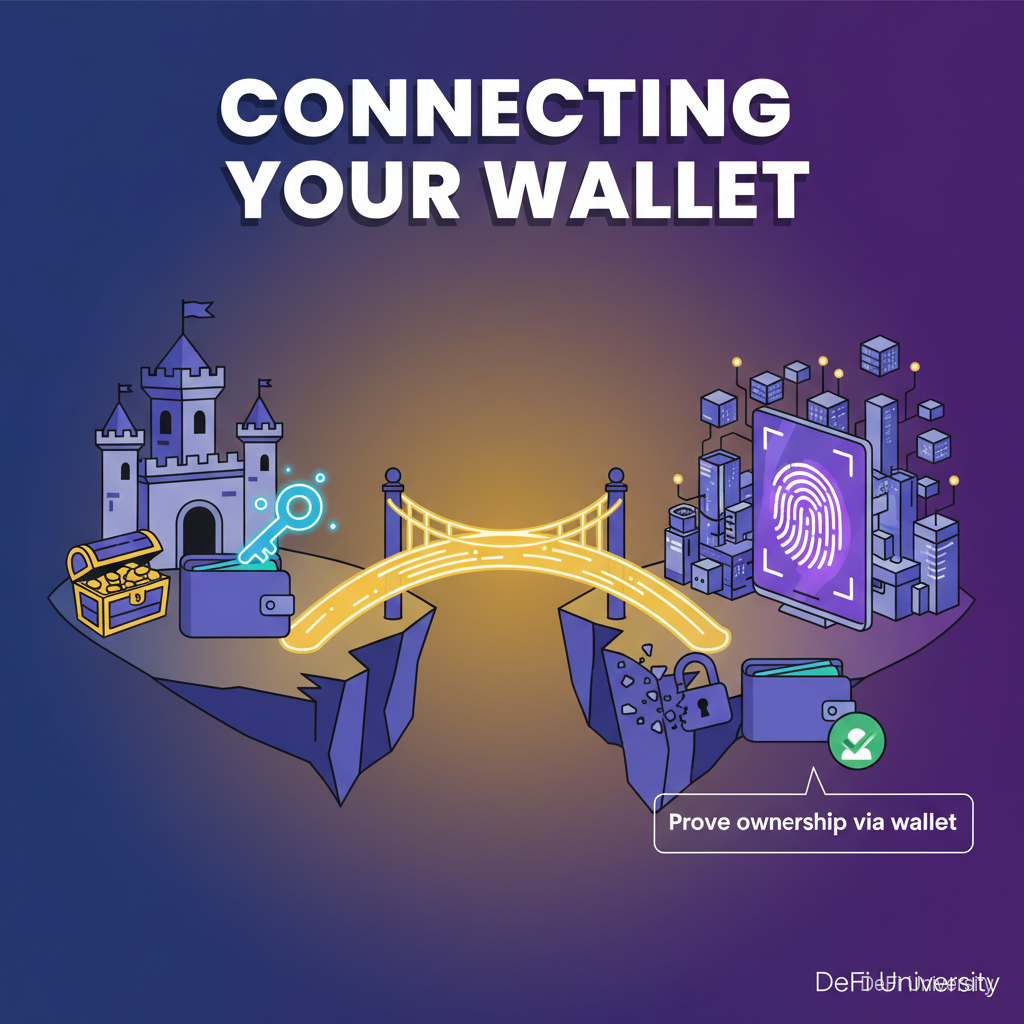
Core concept: Connecting your wallet to a DeFi app is like logging in without a password—you prove ownership via your wallet, not by entering credentials.


Logging In Without a Password

Inline Analogy

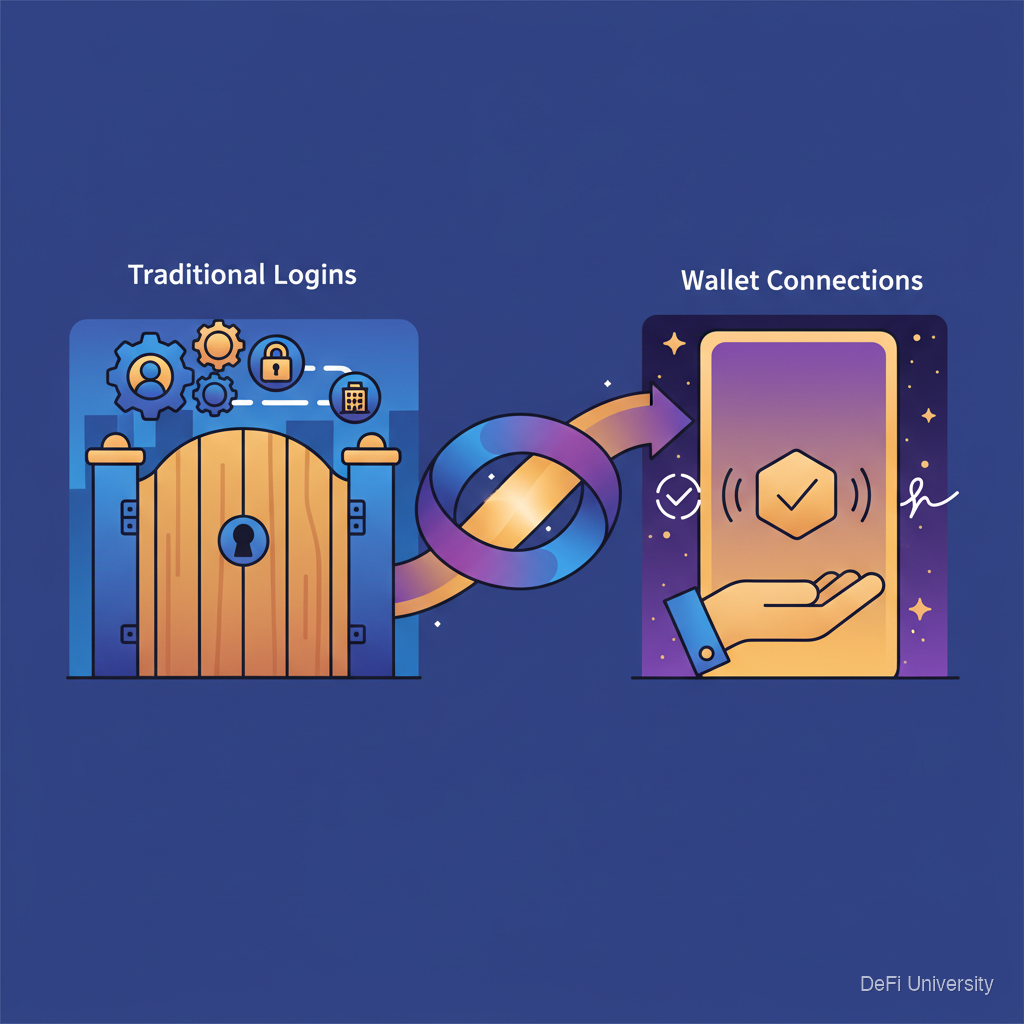
Traditional logins:

  • Enter username

  • Enter password

  • Website checks if they match their records

  • You're logged in

Wallet connections:

  • Click "Connect Wallet"

  • Wallet asks you to confirm

  • You sign a message proving you control the wallet

  • Site knows your address, you're "logged in"

No username. No password. Your wallet IS your identity. Signing proves you own it.


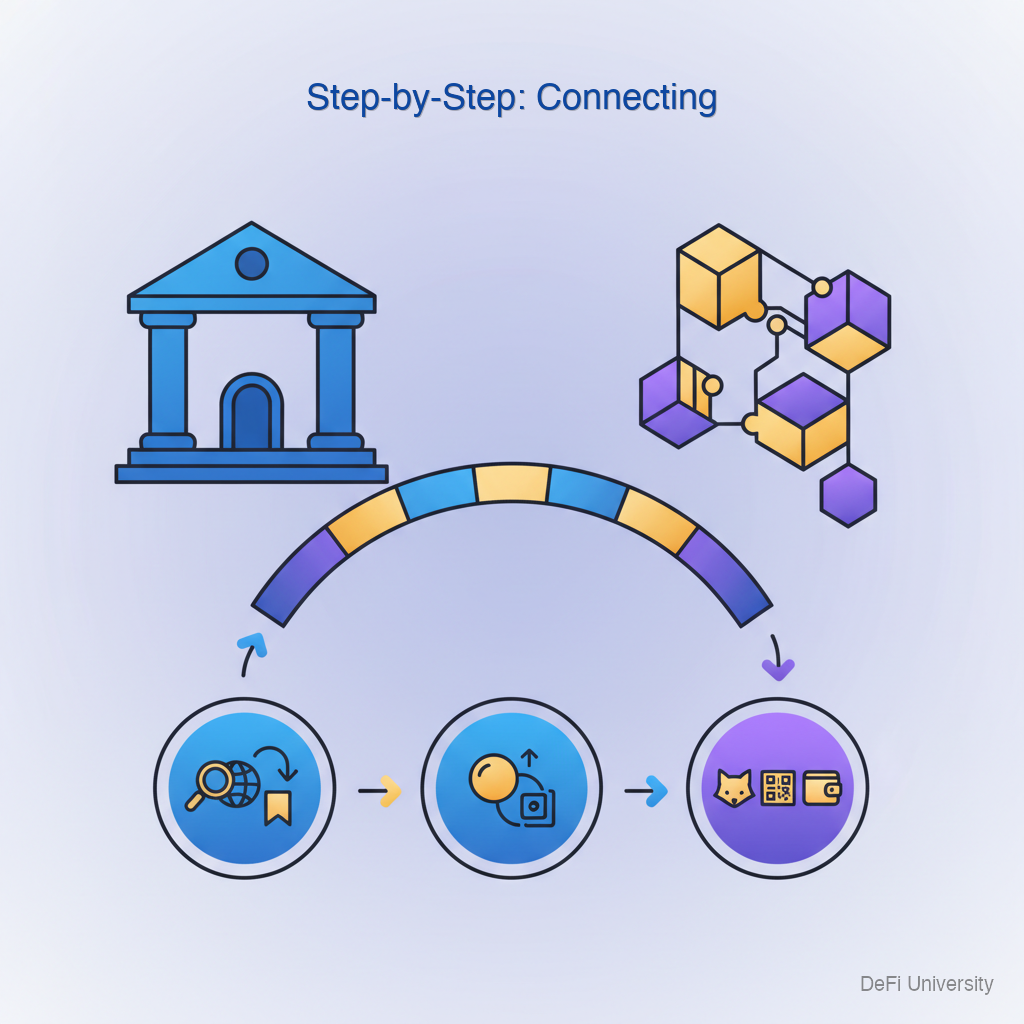
Step-by-Step: Connecting

Infographic
  1. Navigate to the DeFi site Verify you're on the legitimate URL (remember: bookmarks!).

  2. Click "Connect Wallet" or "Connect" Usually top-right corner of the interface.

  3. Select your wallet type Options like MetaMask, WalletConnect, Coinbase Wallet, etc.

  4. Wallet popup appears Your wallet asks you to confirm the connection.

  5. Review what's being requested The site wants to see your address and balances. This is normal and safe.

  6. Approve the connection Click confirm/connect in your wallet.

  7. You're connected The site now shows your address and relevant balances.


What Connection Does (and Doesn't Do)

What connection DOES:

  • Lets the site see your public address

  • Lets the site see your token balances

  • Enables the site to REQUEST transactions (which you must still approve)

What connection DOESN'T DO:

  • Give the site access to your private keys

  • Allow the site to move funds without your approval

  • Execute any transaction automatically

Connection is read-only. The site can see, but cannot spend, unless you approve additional transactions.


Connection vs. Approval vs. Transaction

These are different things:

Connection: "This site can see your address and balances." Low risk. Just visibility.

Token Approval: "This contract can move your [specific token] up to [amount]." More risk. Grants spending permission.

Transaction: "Execute this specific action right now." Actual movement of funds.

Be most careful with approvals and transactions. Connections alone are relatively safe.


Safe Connection Practices

Verify the URL first: Always check you're on the real site before connecting.

Use bookmarks: Navigate via bookmarks, not search results or links in messages.

Review what wallet shows: Your wallet tells you what the site is requesting. Read it.

Don't rush: Take time to verify before clicking confirm.

Disconnect when done: Some wallets let you disconnect sites. Good hygiene to disconnect sites you're not actively using.


Managing Connections

Most wallets let you see and manage connected sites:

In MetaMask: Click three dots → Connected sites → View and revoke

Why manage connections?

  • Reduces clutter

  • Limits exposure if a site is later compromised

  • Good security practice

Periodic cleanup of connected sites is part of healthy security routine.


Summary

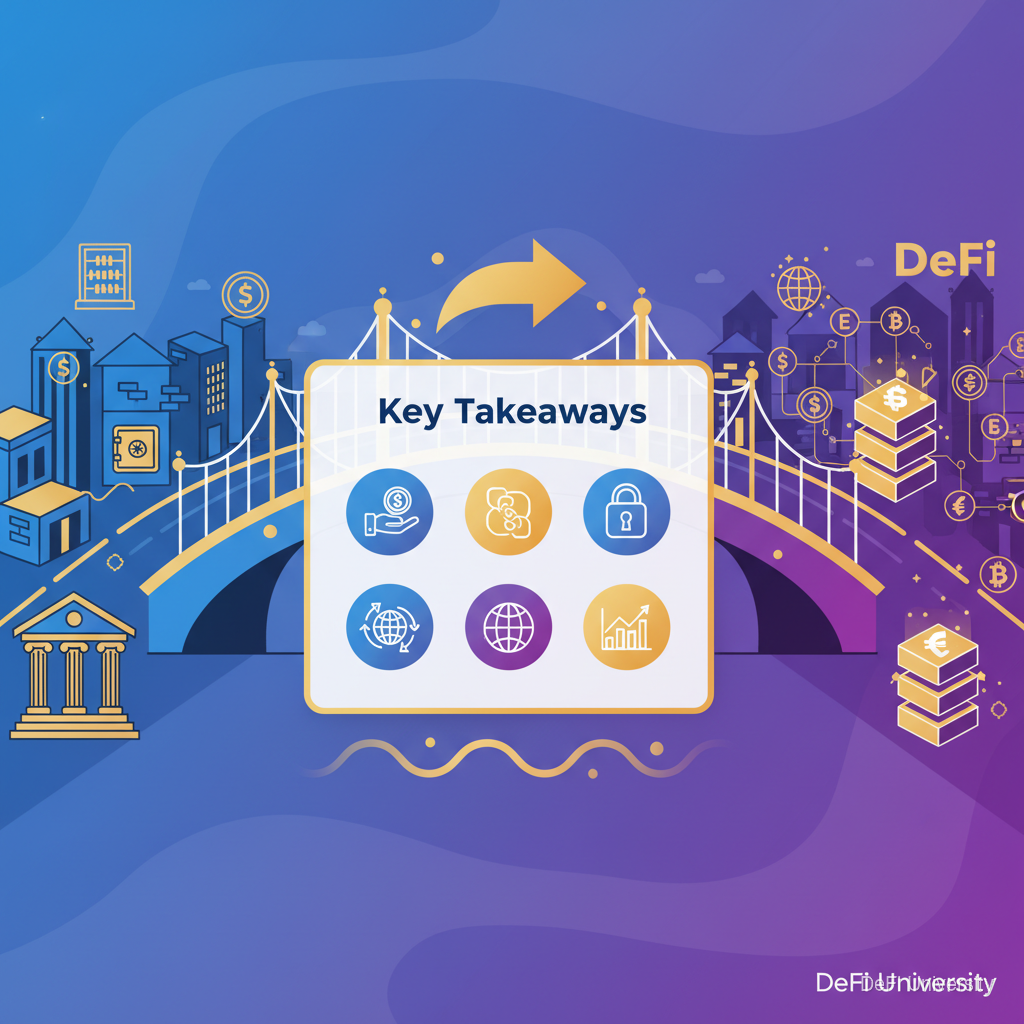
Key Takeaways

  • Wallet connection is like passwordless login—proves ownership via signing

  • Connection itself is relatively safe—just lets sites see your address

  • Different from approvals and transactions—which carry more risk

  • Always verify the URL first—connection to fake site is first step of scams

  • Review wallet prompts—understand what you're agreeing to

  • Manage and disconnect unused connections—good security hygiene

Last updated