Lesson 12: Types of Wallets
🎧 Lesson Podcast
🎬 Video Overview
Types of Wallets
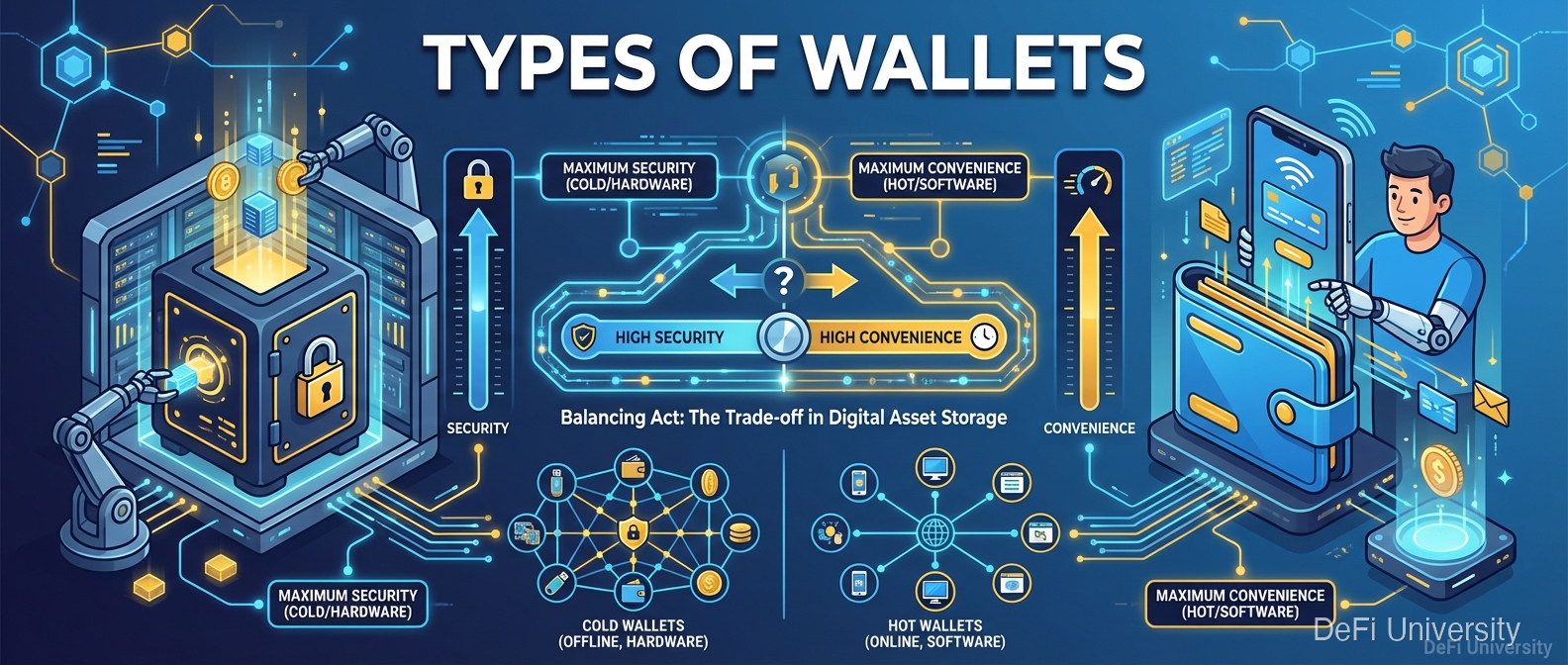
Core concept: Different wallet types trade off between security and convenience—like choosing between a safe deposit box and your pocket wallet.
Safe Deposit Box vs. Pocket Wallet
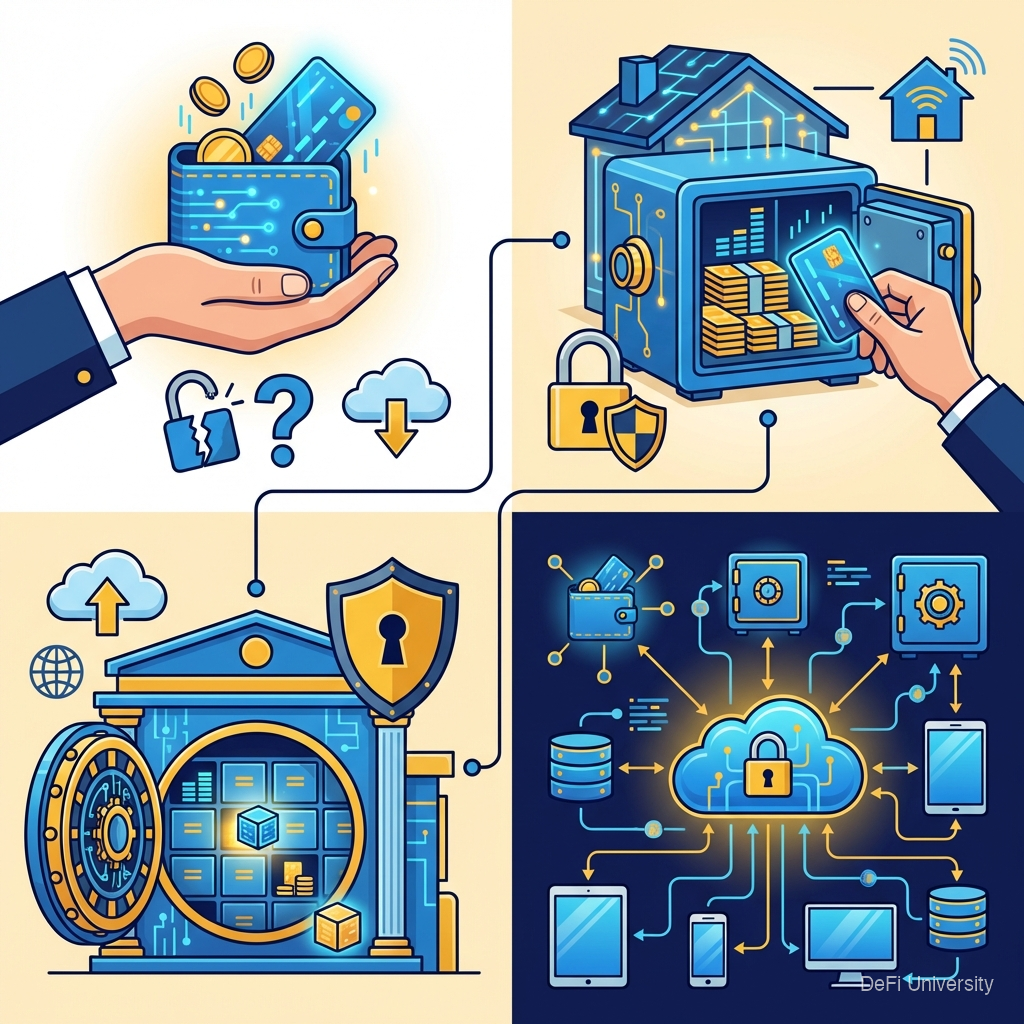
For storing cash, you might use:
Pocket wallet: Convenient. Always with you. But limited capacity and more vulnerable to theft or loss.
Home safe: More secure than pocket. Holds more. But requires being home to access.
Bank safe deposit box: Very secure. Rarely accessed. But inconvenient, limited hours, and you trust the bank.
Crypto wallets exist on a similar spectrum. The most secure options are less convenient; the most convenient options are less secure.
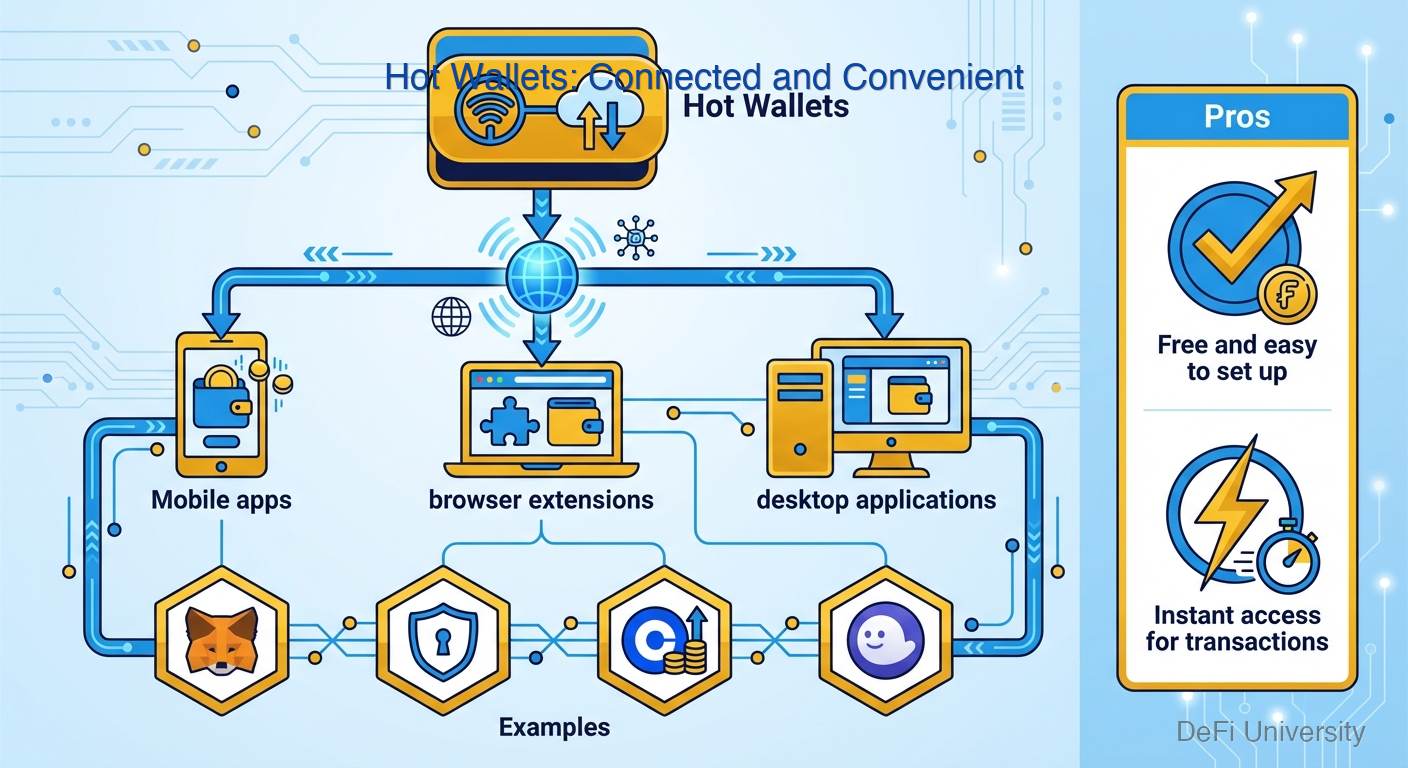
Hot Wallets: Connected and Convenient
What they are: Software wallets connected to the internet. Mobile apps, browser extensions, desktop applications.
Examples: MetaMask, Trust Wallet, Coinbase Wallet, Phantom
Pros:
Free and easy to set up
Instant access for transactions
Great for interacting with DeFi apps
Can hold multiple cryptocurrencies
Cons:
Connected to internet = exposed to online threats
Only as secure as your phone/computer
Vulnerable to malware, phishing, hacks
Not ideal for large amounts
Best for: Daily use, small amounts, interacting with decentralized apps, learning.
Cold Wallets: Disconnected and Secure
What they are: Wallets that keep private keys offline, never exposed to internet.
Types:
Hardware Wallets
Dedicated devices (like USB drives) that store keys and sign transactions offline.
Examples: Ledger, Trezor, GridPlus
Pros:
Keys never touch the internet
Resistant to computer malware
Physical button confirms transactions
Support many cryptocurrencies
Cons:
Cost $60-200+
Less convenient for frequent use
Can be lost/damaged
Still need to protect seed phrase
Best for: Long-term storage, significant amounts, security-focused users.
Paper Wallets
Private key printed on paper, stored physically.
Pros: Totally offline. Free. Simple.
Cons: Easy to damage/lose. Less practical for actual use. Largely replaced by hardware wallets.
Custodial Wallets: Someone Else Holds Keys
What they are: Accounts on exchanges or services where the company holds the private keys.
Examples: Coinbase account, Kraken account, Binance account
Pros:
Easiest to use
Password recovery possible
Company handles security
Good for beginners
Often has insurance
Cons:
Not your keys, not your coins
Company can freeze your account
If company is hacked, you might lose funds
Counter to crypto's self-custody ethos
Best for: Beginners, trading, fiat on/off ramps, amounts you're comfortable trusting to a company.
The Security Spectrum
From most convenient to most secure:
Most experienced users use multiple types:
Custodial exchange for trading
Hot wallet for daily DeFi use
Hardware wallet for savings
Metal backup for seed phrases
Multi-Signature Wallets
Advanced option: wallets requiring multiple keys to authorize transactions.
Example: 2-of-3 multisig requires 2 out of 3 designated keys to approve any transaction.
Benefits:
No single point of failure
Good for organizations
Additional security layer
Drawbacks:
More complex to set up and use
All key-holders must coordinate
Used by: DAOs, companies, high-net-worth individuals, careful families sharing control.
Choosing What's Right for You
Beginners: Start with a custodial exchange to learn, then explore hot wallets as you grow comfortable.
Regular users: Hot wallet for daily use, hardware wallet for savings.
Large holdings: Hardware wallet primary, possibly multi-sig for very large amounts.
DeFi active users: Hot wallet necessary for app interactions, but transfer to cold storage after.
The key insight: match security to value and use case. You don't need a $200 hardware wallet for $50 in crypto. You shouldn't keep $50,000 in a mobile app.

Key Takeaways
Hot wallets are convenient but internet-connected, best for daily use and smaller amounts
Hardware wallets keep keys offline, best for larger holdings and long-term storage
Custodial wallets (exchanges) are easiest but you don't control the keys
Security and convenience trade off—choose based on your needs
Most users should use multiple wallet types for different purposes
Match security to value—don't over- or under-protect
Last updated