Lesson 9: Hot Wallets vs Cold Wallets
🎧 Lesson Podcast
🎬 Video Overview
Lesson 9: Hot Wallets vs Cold Wallets
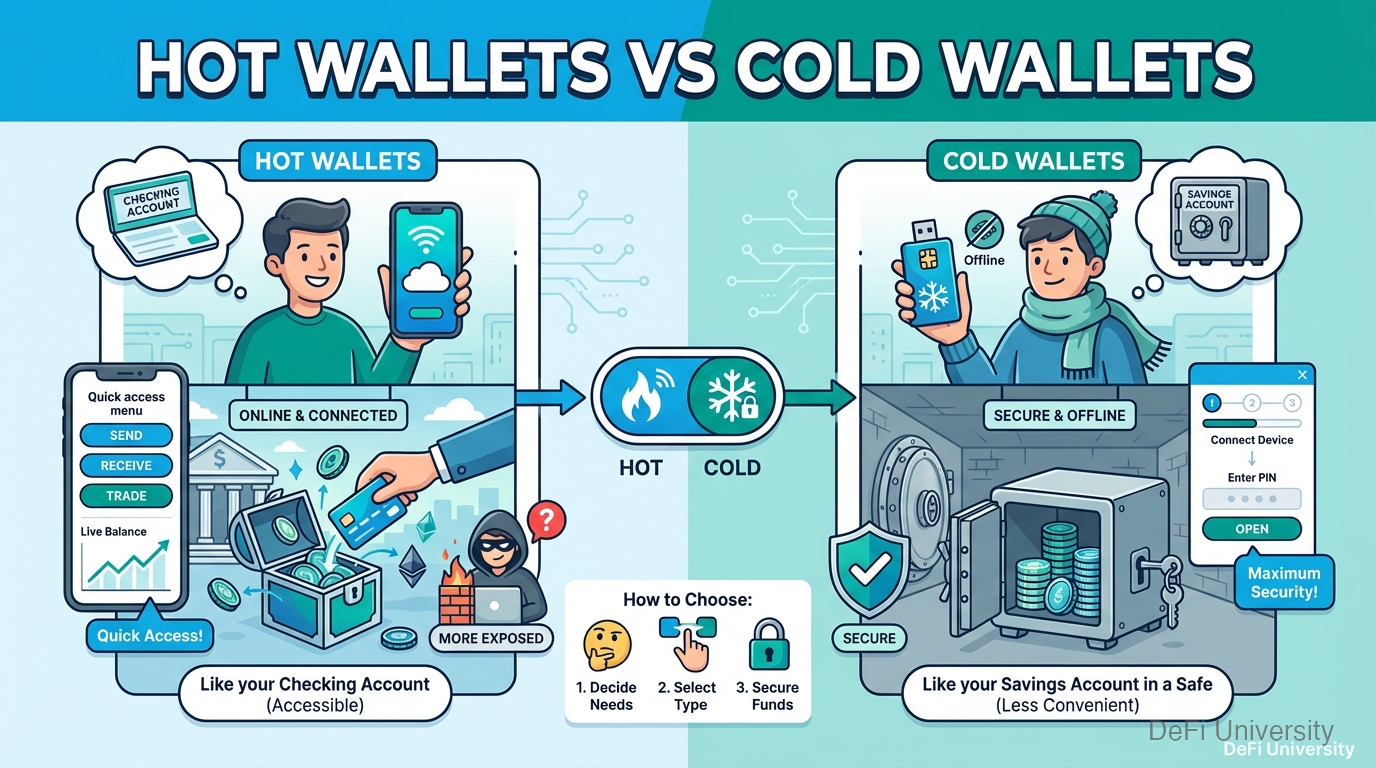
Core concept: Hot wallets are like your checking account (accessible but more exposed), cold wallets are like your savings account in a safe (secure but less convenient).
Checking vs. Savings Account Mindset
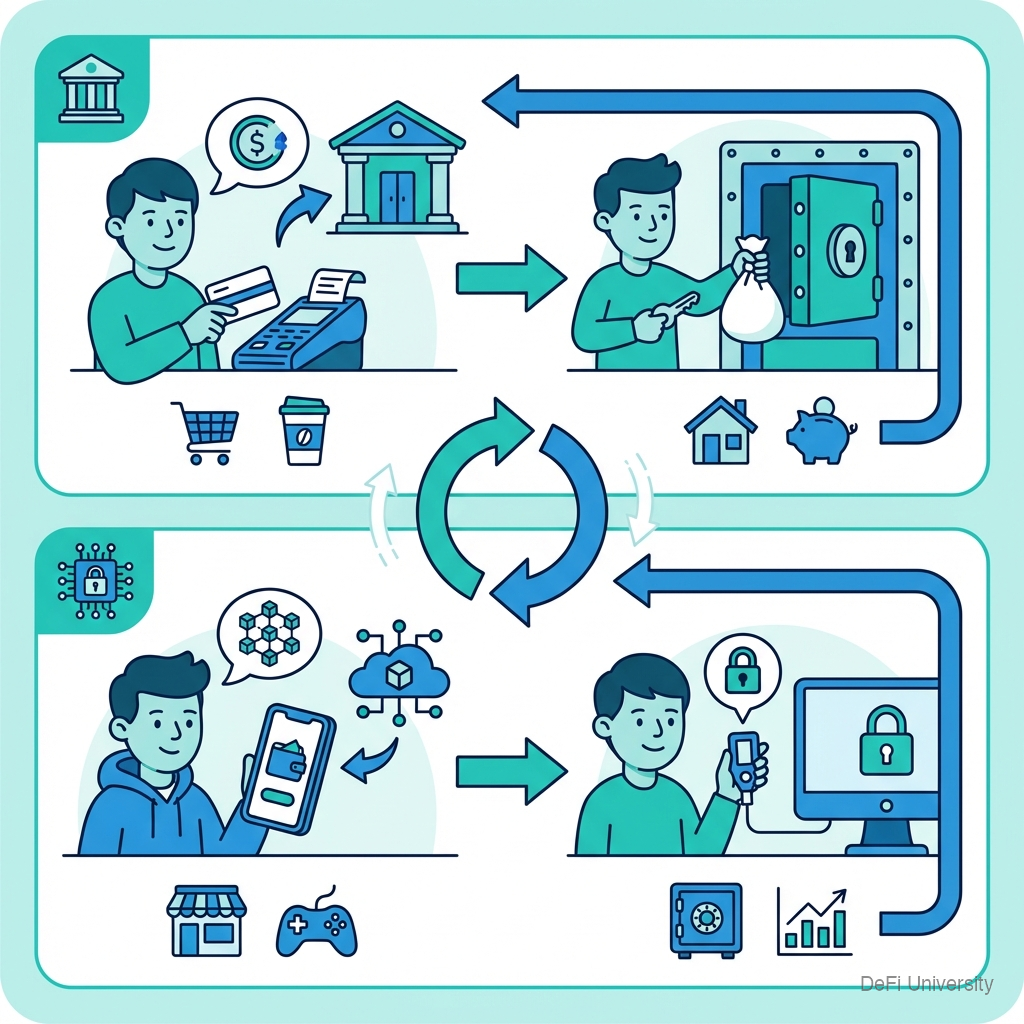
In traditional finance, you might have:
Checking account: Money you access regularly. Connected to your card. Convenient but more exposed if card is stolen.
Savings account / Safe deposit box: Money you're storing long-term. Less accessible but more protected.
Crypto storage follows similar logic:
Hot wallet: Connected to internet. Easy to use. Good for daily spending and activities. More exposure to online threats.
Cold wallet: Disconnected from internet. More steps to use. Good for long-term storage. Protected from online threats.
Hot Wallets: Convenient but Connected
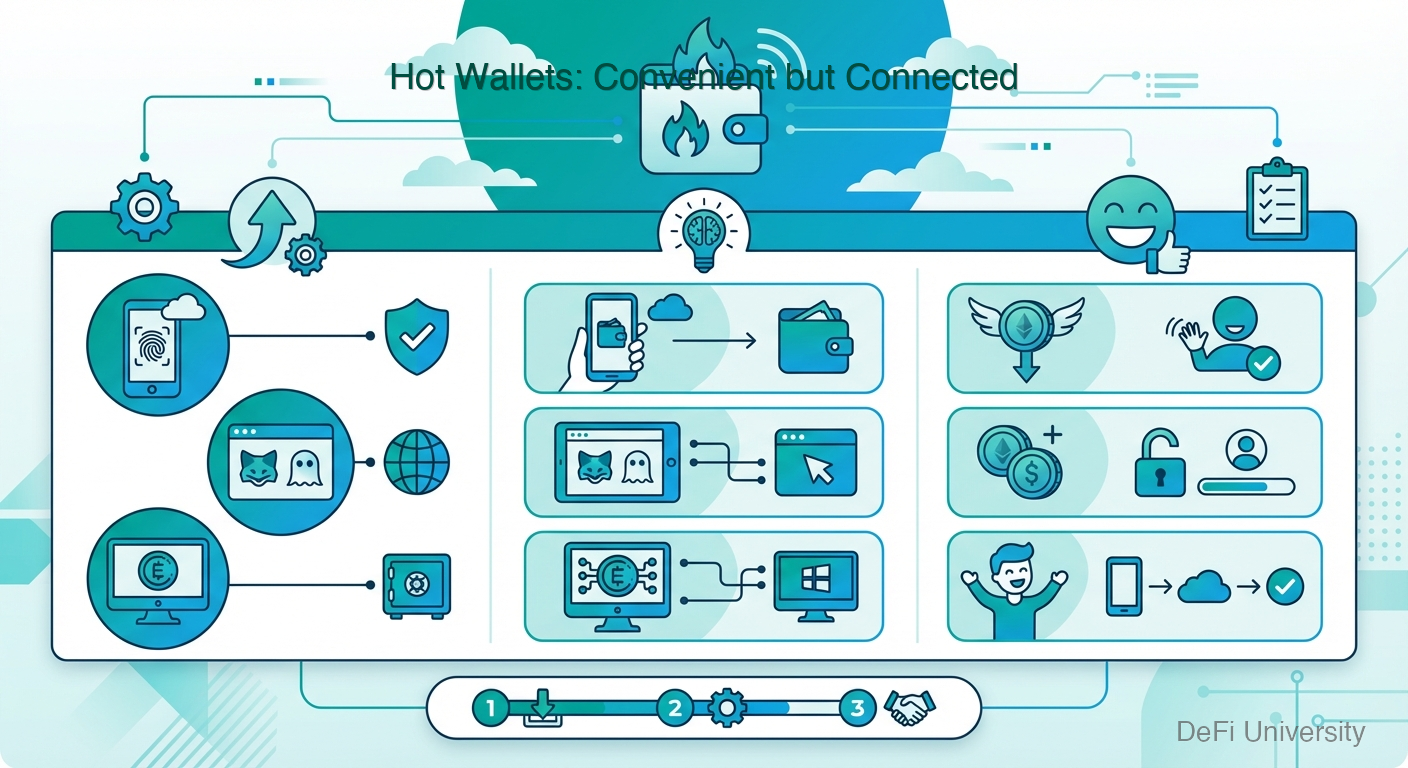
What they are: Wallet software running on internet-connected devices—your phone, computer, or browser.
Examples:
Mobile: Trust Wallet, Coinbase Wallet
Browser: MetaMask, Phantom
Desktop: Exodus, Electrum
Pros:
Free and easy to set up
Instant access for transactions
Works with DeFi apps
Good for active use
Cons:
Connected to internet = exposed to hackers
Vulnerable to malware, phishing
Phone/computer theft is a risk
Only as secure as your device
Best for:
Money you're actively using
Amounts you could afford to lose
Interacting with DeFi and dApps
Learning and experimenting
Cold Wallets: Secure but Slower
What they are: Devices or methods that keep private keys offline, never exposed to internet.
Examples:
Hardware wallets: Ledger, Trezor, GridPlus
Paper wallets (less common now)
Air-gapped computers
Pros:
Keys never touch internet
Immune to online hacking
Resistant to computer malware
Physical confirmation required
Cons:
Costs money ($60-200+)
Less convenient for quick transactions
Can be lost or damaged
Still need secure seed phrase backup
Best for:
Significant amounts
Long-term holdings
Bitcoin or crypto you're not actively using
Security-conscious users
The Hardware Wallet Advantage
Hardware wallets are the most popular cold storage option because:
Air-gapped signing: You connect to computer via USB, but the private key never leaves the device. The device signs transactions internally.
Physical button confirmation: You must physically press buttons to approve transactions. No remote hacker can authorize anything.
Dedicated purpose: Unlike your phone with email, social media, and games, hardware wallets do one thing: secure crypto.
Screen verification: The device's screen shows exactly what you're signing. Computer malware can't modify what you see on hardware wallet screen.
How Hardware Wallets Work
Setup: Generate keys on the device. Write down seed phrase.
Receive: Wallet generates addresses. Use these to receive crypto.
Send: Connect device to computer. Initiate transaction via software. Device shows details on its screen. Physically confirm on device.
Keys stay safe: Private keys are generated and stored only on the device.
Even if your computer is compromised, the hardware wallet won't sign transactions you don't approve on its physical screen.
The Layered Approach
Most experienced users combine both:
Hot wallet for:
DeFi activities
Regular transactions
Amounts under a personal threshold
Convenience priority
Cold wallet for:
Long-term holdings
Amounts above personal threshold
Bitcoin savings
Security priority
Example allocation:
10% in hot wallet for active use
90% in hardware wallet for storage
Your specific percentages depend on: how much you hold, how active you are, your risk tolerance.
Key Takeaways
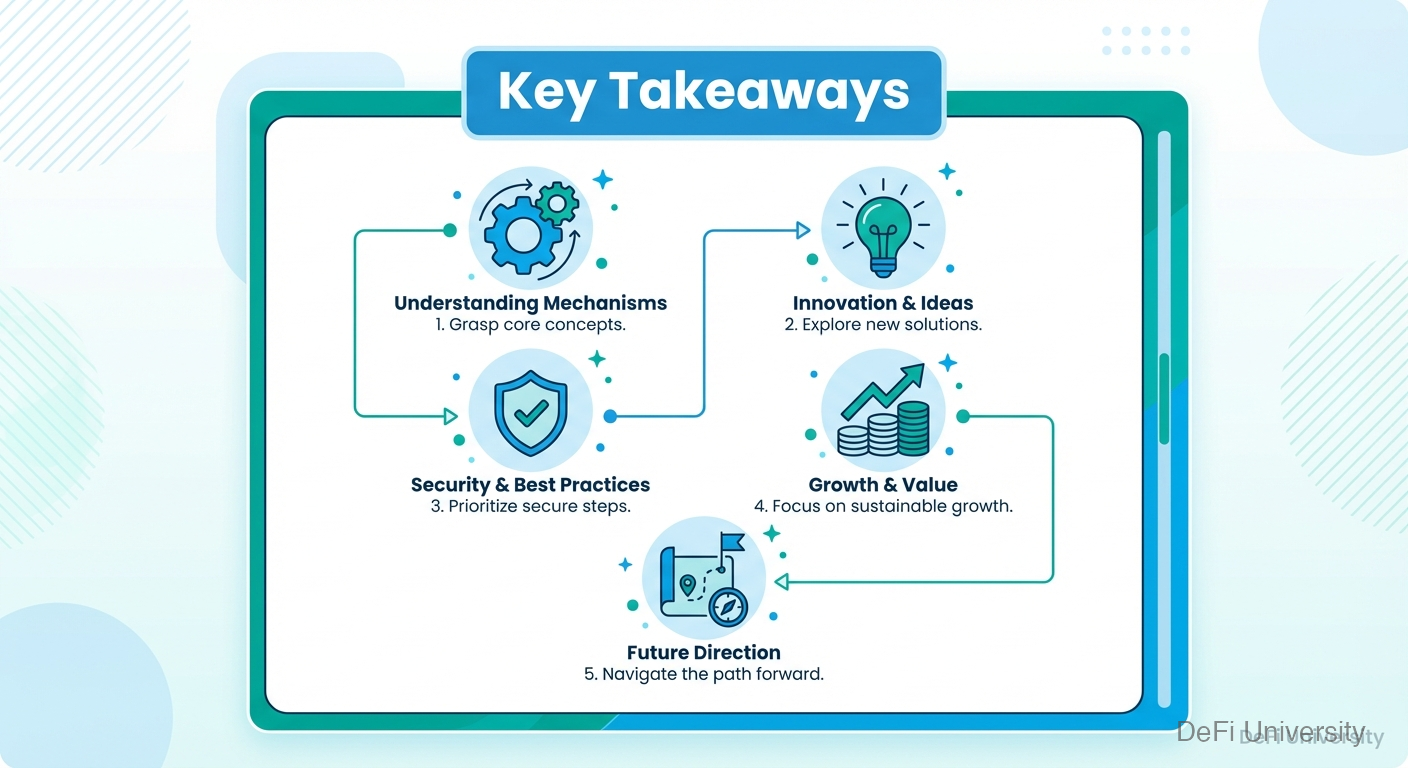
Hot wallets are convenient but connected to internet and more exposed
Cold wallets are secure but less convenient for regular use
Hardware wallets are the gold standard for cold storage
Air-gapped signing means keys never touch internet even when transacting
Use both types—hot for active use, cold for savings
Match security to value—more valuable holdings deserve better protection
Last updated