Lesson 11: Backing Up Your Wallet
🎧 Lesson Podcast
🎬 Video Overview
Lesson 11: Backing Up Your Wallet
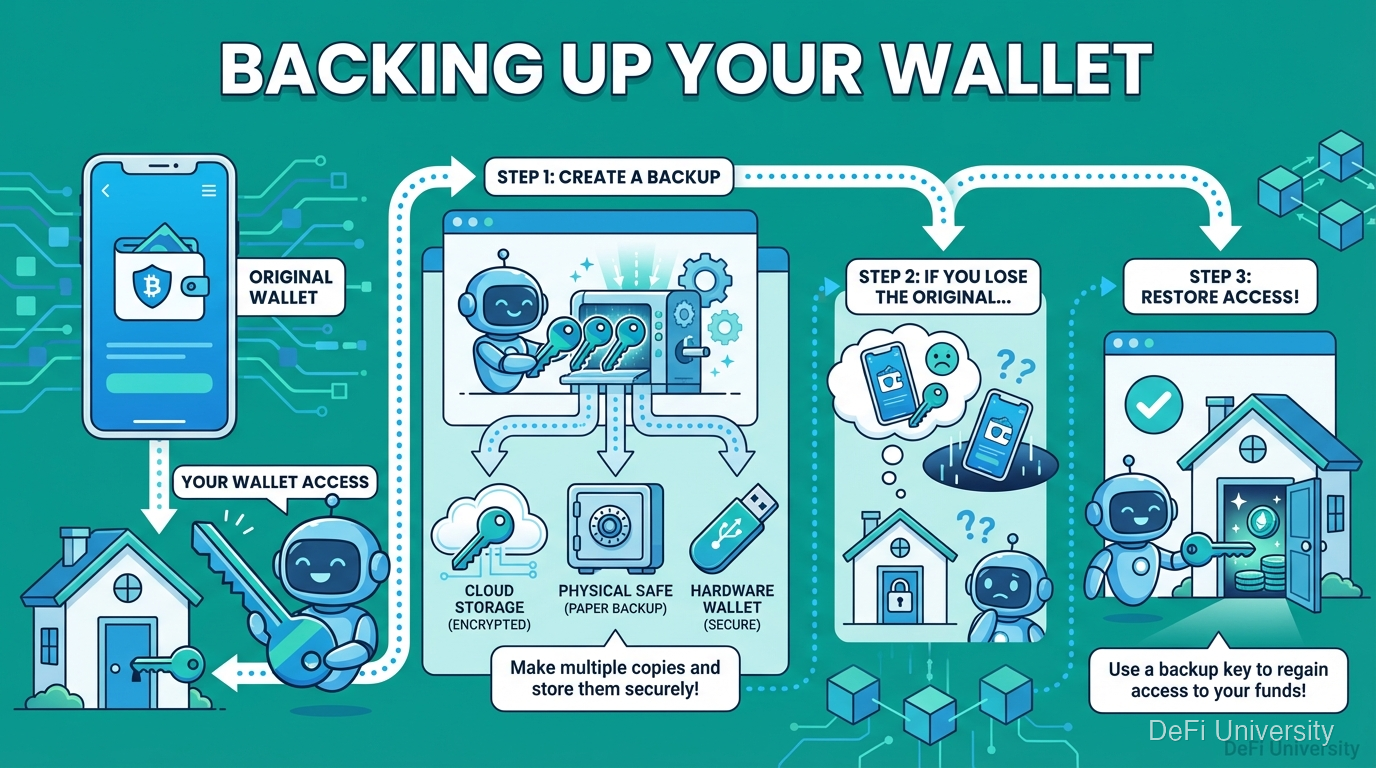
Core concept: Backing up your wallet is like making copies of your house key—if you lose the original, you can still get in.
Making Copies of Your House Key
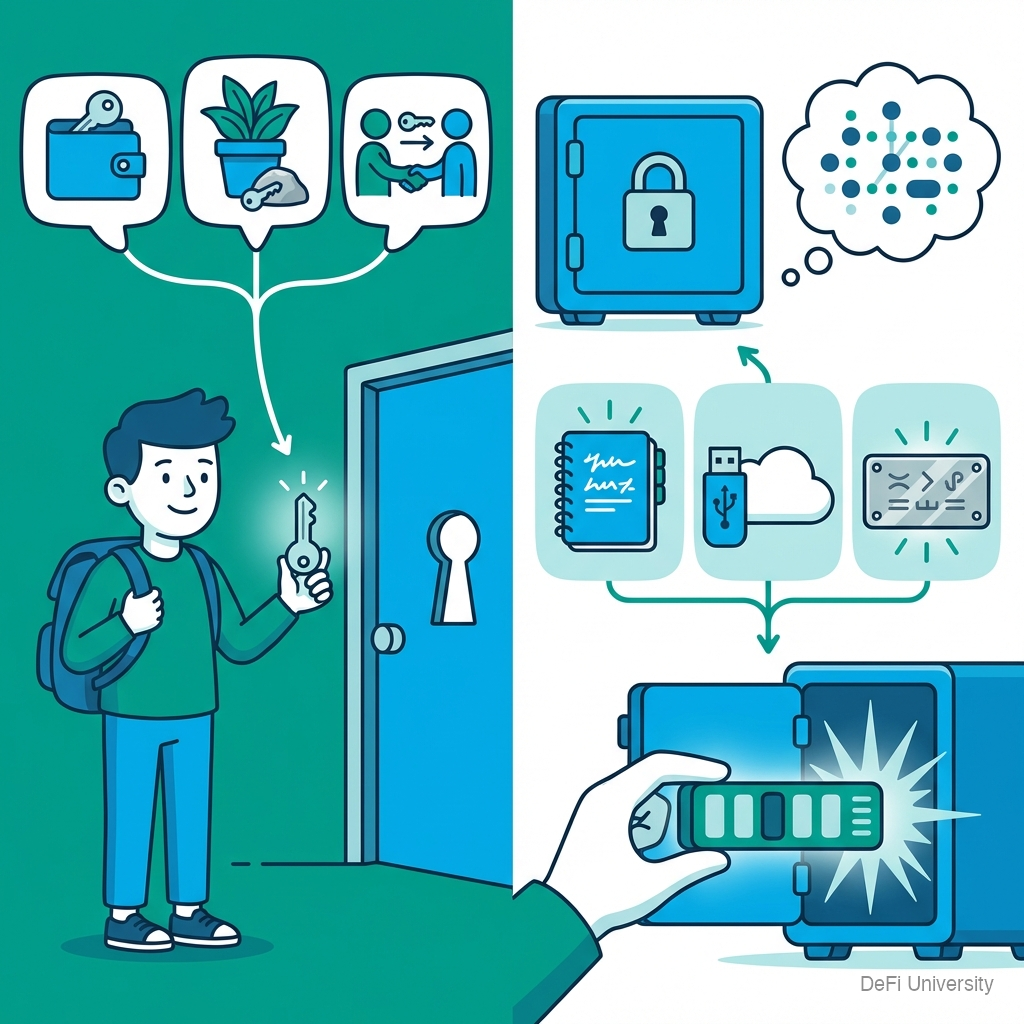
You probably have spare house keys:
One in your wallet
One hidden somewhere safe
Maybe one with a trusted neighbor
If you lose your main key, you're not locked out forever. You have backups.
Your crypto seed phrase works the same way:
Write it down when creating wallet
Store the backup safely
If phone breaks/gets stolen, use backup to restore
The difference: lose all copies of your house key, you can call a locksmith. Lose all copies of your seed phrase, no one can help.
What You're Actually Backing Up
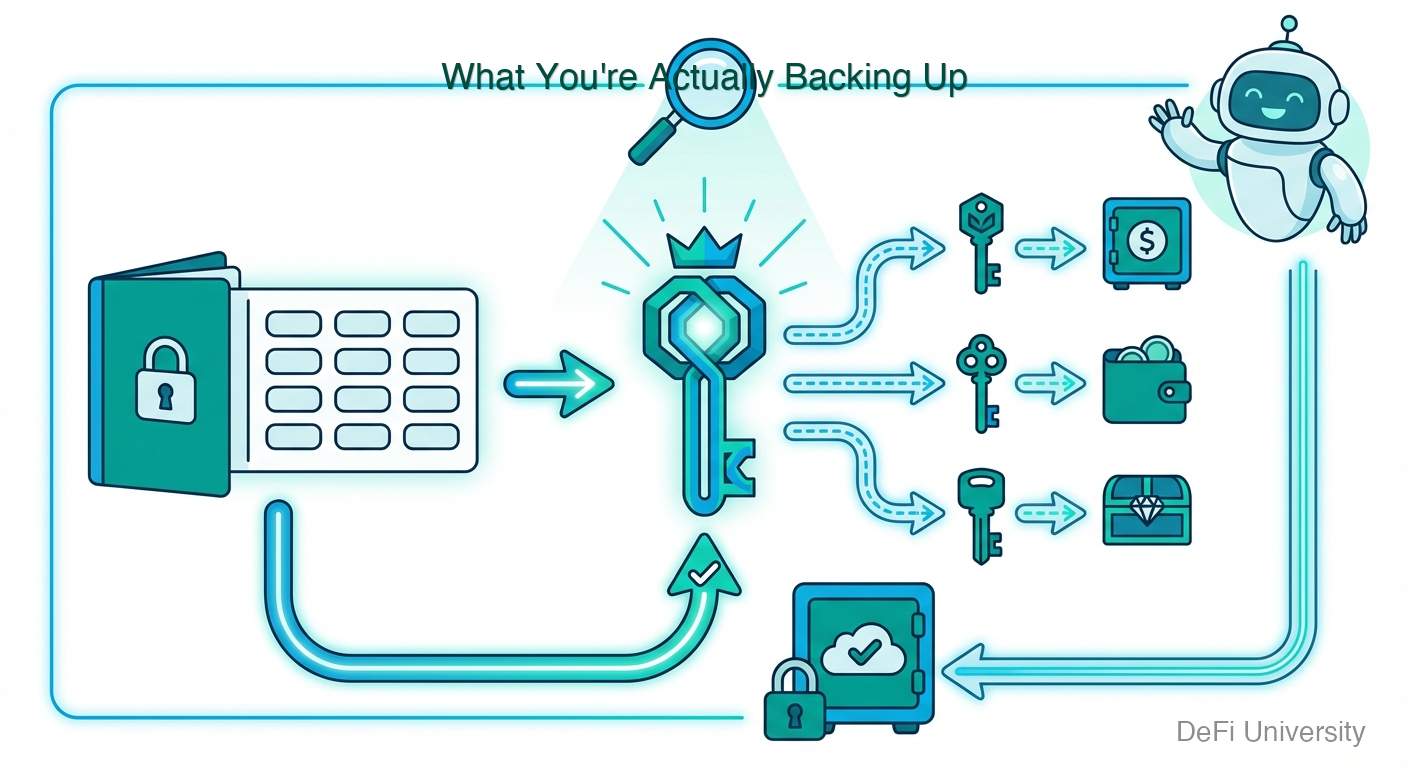
The seed phrase is the backup.
Your seed phrase (12 or 24 words) is the master key that generates all your private keys, which control all your addresses.
Back up the seed phrase = back up the entire wallet.
You don't need to backup:
Transaction history (on blockchain forever)
Individual private keys (generated from seed)
The app itself (can reinstall)
You only need the seed phrase to fully restore everything.
How to Create a Proper Backup
Step 1: Get the words right Copy exactly, in exact order. One wrong word or wrong order = won't work.
Step 2: Write on durable material
Paper: Works, but can burn, flood, fade
Metal: Steel or titanium plates resist fire/flood
Multiple copies recommended
Step 3: Store securely
Home safe
Bank safe deposit box
With trusted family member
Multiple locations for redundancy
Step 4: Never store digitally No photos. No screenshots. No email. No cloud. No notes app. No password manager. Hackers look for these.
The Disaster Scenarios
If you have backup:
Phone stolen → Buy new phone, reinstall wallet, enter seed phrase, funds restored
Computer crashes → Same process on new device
House fire → Use backup from other location
If you don't have backup:
Phone stolen → Funds gone forever
App deleted accidentally → Funds gone forever
Device dies → Funds gone forever
Stories of lost crypto worth millions exist because people didn't back up—or backed up digitally where hackers found it.
Multiple Backups: The Right Way
One backup isn't always enough:
Geographic distribution: Keep copies in different physical locations. House fire shouldn't destroy all backups.
Different mediums: Paper backup + metal backup. If one fails (fire destroys paper, water damages metal), other survives.
Consider splitting: Some people split seed phrase: words 1-6 in location A, words 7-12 in location B. Controversial—requires finding both, but also protects against single theft.
Test your backups: Before significant funds, verify you can restore from backup. Try on a separate device.
Common Backup Mistakes
Digital storage: Screenshots, cloud, email. Most common mistake. Hackers find these.
Not double-checking: One wrong word means failed restore.
Single copy only: One location = one disaster away from total loss.
Telling people: The more people who know, the more risk.
Overly clever hiding: If you die, can family find it? Have a plan.
Forgetting to backup at all: "I'll do it later" → device breaks → funds gone.
Planning for Worst Case
Think about inheritance:
If something happens to you, how do family access funds?
Where are backup instructions?
Who knows the backup locations?
Options include:
Trusted family member knows location
Instructions in a will
Sealed envelope with lawyer
Multi-signature setups
This isn't just paranoia—it's responsible planning.

Key Takeaways
Seed phrase IS your backup—nothing else needed to restore complete wallet
Write on durable materials—metal plates survive fire/flood better than paper
Store in multiple secure locations—one disaster shouldn't destroy all backups
Never store digitally—hackers search for seed phrases in photos, cloud, email
Test your backup—verify restore works before significant funds
Plan for inheritance—make sure trusted people can access if needed
Last updated