Lesson 6: Spotting Fake Websites

🎧 Lesson Podcast

🎬 Video Overview

Lesson 6: Spotting Fake Websites
Header

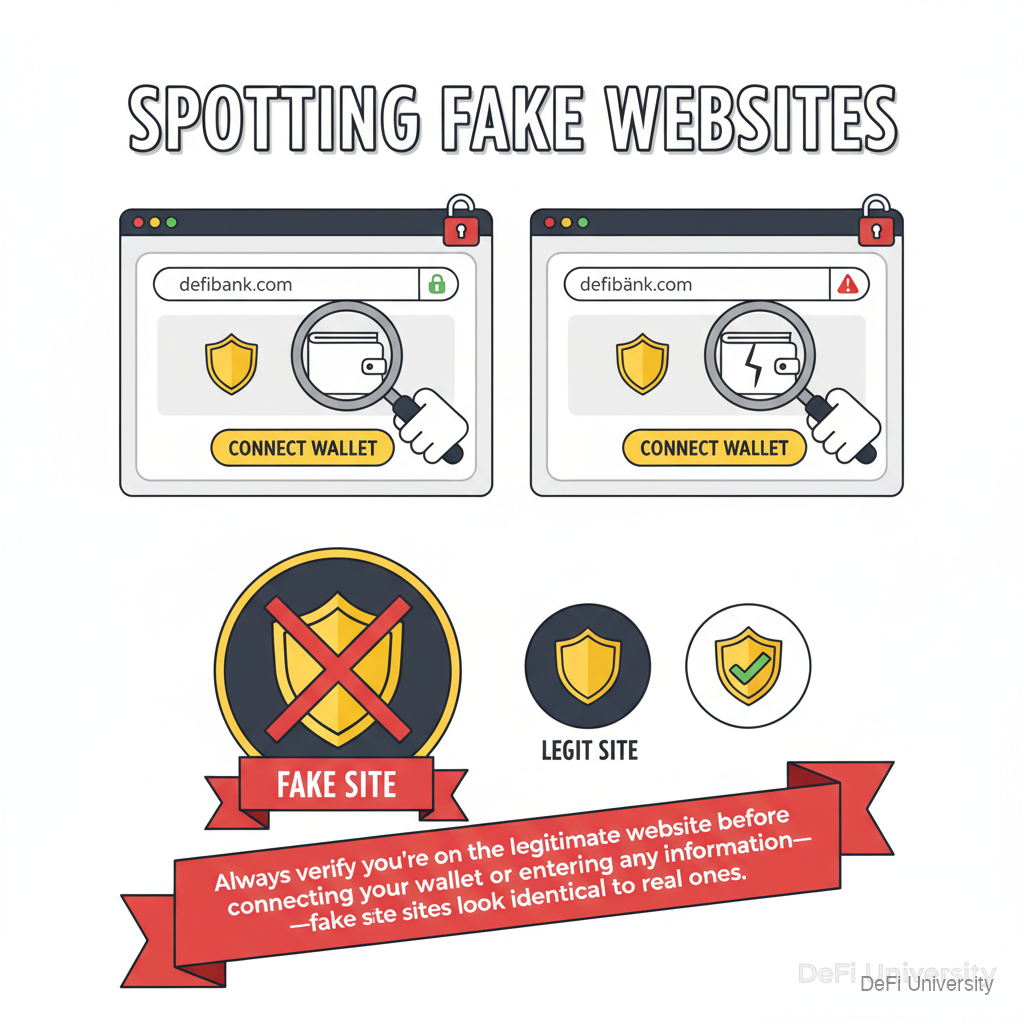
Core concept: Always verify you're on the legitimate website before connecting your wallet or entering any information—fake sites look identical to real ones.


Checking the Storefront Address

Inline Analogy

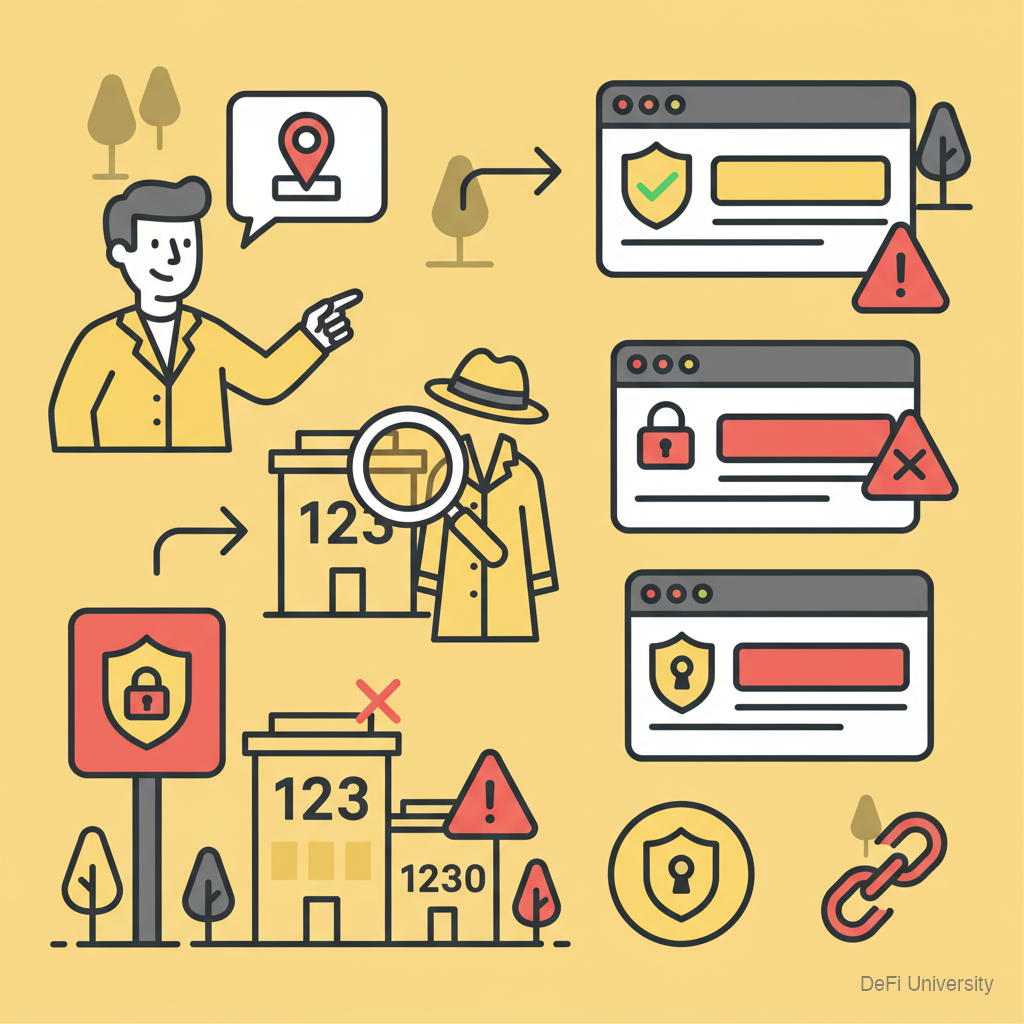
When meeting someone at a new store, you double-check the address:

  • "Meet me at 123 Main Street"

  • You verify you're at 123, not 132 or 1230

  • Wrong address = wrong place

Websites work the same way. The URL is the address:

  • uniswap.org is the real address

  • uniswap.exchange is someone else's property

  • Visiting the wrong URL = visiting scammers


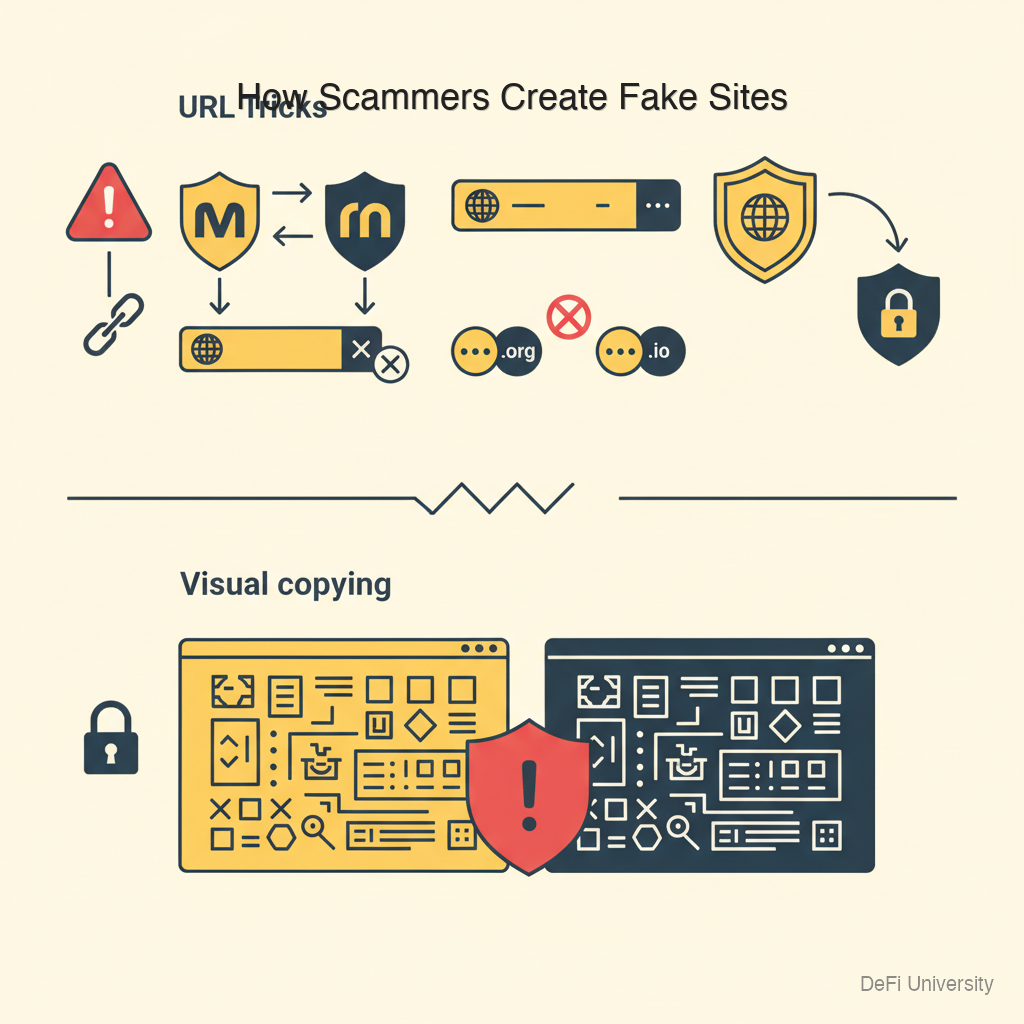
How Scammers Create Fake Sites

URL tricks:

  • Misspellings: metamaskrnetamask (r+n looks like m)

  • Extra characters: uniswap.orguniswap-app.org

  • Different extensions: .org.io or .com

  • Subdomains: coinbase.fakesite.com (not coinbase.com)

Visual copying:

  • Exact same design, colors, logos

  • Identical buttons and layout

  • Real-looking SSL certificate (https lock icon)

Search manipulation:

  • Paid ads appearing above real results

  • SEO manipulation to rank high

You cannot tell a fake site from a real one by looking at the page. You must verify the URL.


Verification Steps

Infographic

Before Every Wallet Connection

Step 1: Check the full URL Look at the address bar. Read every character. Is it exactly right?

Step 2: Use bookmarks For sites you use regularly, bookmark the real URL. Always navigate via bookmark, not search.

Step 3: Don't trust search results The first result might be an ad for a scam site. Go to bookmarks or type carefully.

Step 4: Don't trust links in emails or DMs These are often phishing attempts. Navigate to the site separately.

Step 5: Verify wallet prompts When wallet asks you to connect or approve, verify the site shown matches where you think you are.


URL Anatomy

Understanding URLs helps spot fakes:

The domain is what matters:

  • uniswap.org ← real domain

  • app.uniswap.org ← subdomain of real domain (okay)

  • uniswap.fakesite.org ← fake! "fakesite.org" is the real domain

Check right-to-left: Read from the .org or .com backwards. The domain immediately before the extension is what matters.


Wallet Connection Red Flags

Even on real-looking sites, watch for:

Unexpected requests: Site asking for seed phrase (always fake).

Weird transaction details: Connecting asks you to approve spending tokens you didn't intend.

Unfamiliar contract: Wallet shows contract address you don't recognize.

"Unlimited" approvals: Being asked to approve unlimited spending of a token.

If anything feels off, reject the transaction and investigate.


Building Good Habits

Create a bookmarks folder: Bookmark all your regular crypto sites. Use only these bookmarks.

Type carefully: If you must type, go letter by letter. Triple-check before pressing enter.

Use official app links: For mobile, only download from official app stores via links from the official website.

Verify major actions: Before any significant transaction, re-verify you're on the real site.

When rushing = when mistakes happen: Take an extra 10 seconds. That's cheaper than losing everything.


Summary

Key Takeaways

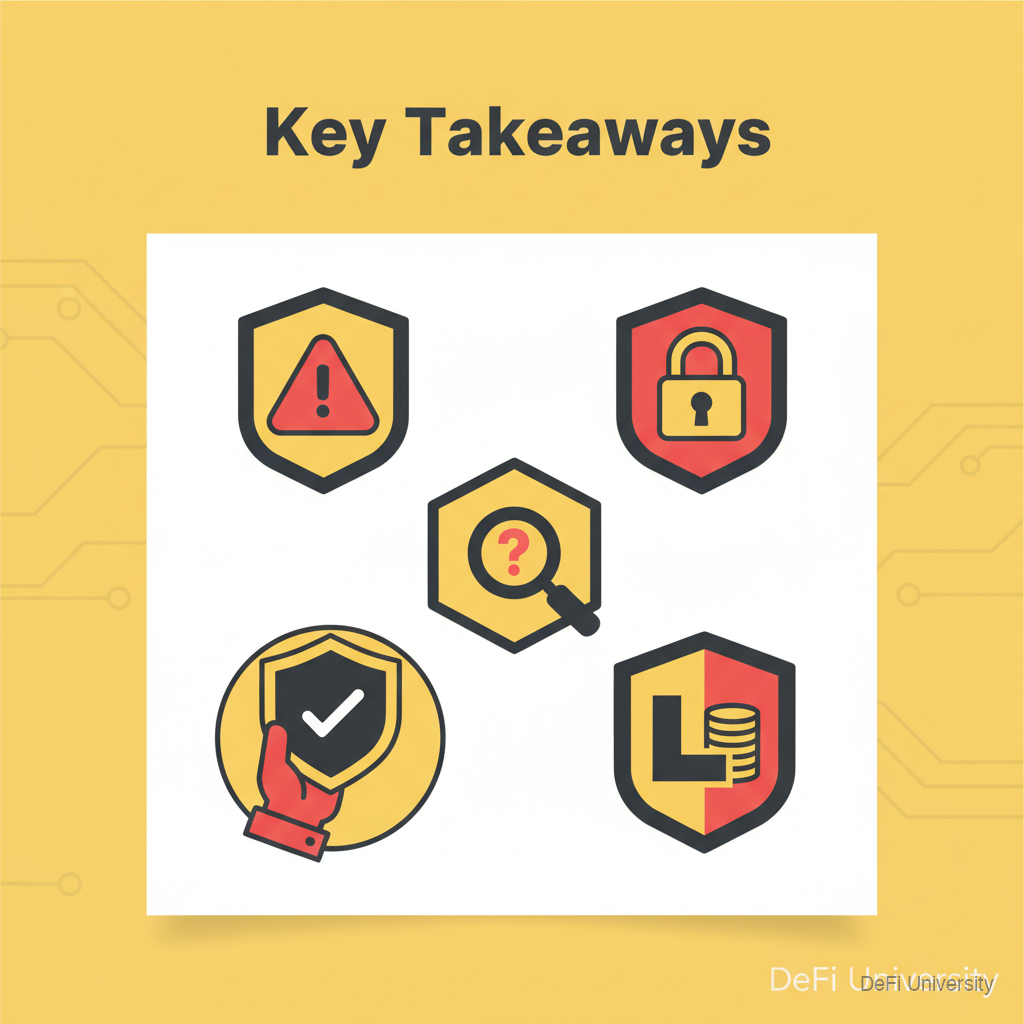
  • URLs are addresses—verify you're at the right one before doing anything

  • Fake sites look identical—you cannot tell by appearance, only by URL

  • Check the domain carefully—one character difference = different site

  • Use bookmarks—navigate to sites via saved bookmarks, not search or links

  • Verify wallet connection prompts—make sure the site shown matches your intention

  • When in doubt, stop—close the tab, navigate fresh from bookmark

Last updated