Lesson 8: Transaction Verification
🎧 Lesson Podcast
🎬 Video Overview
Lesson 8: Transaction Verification
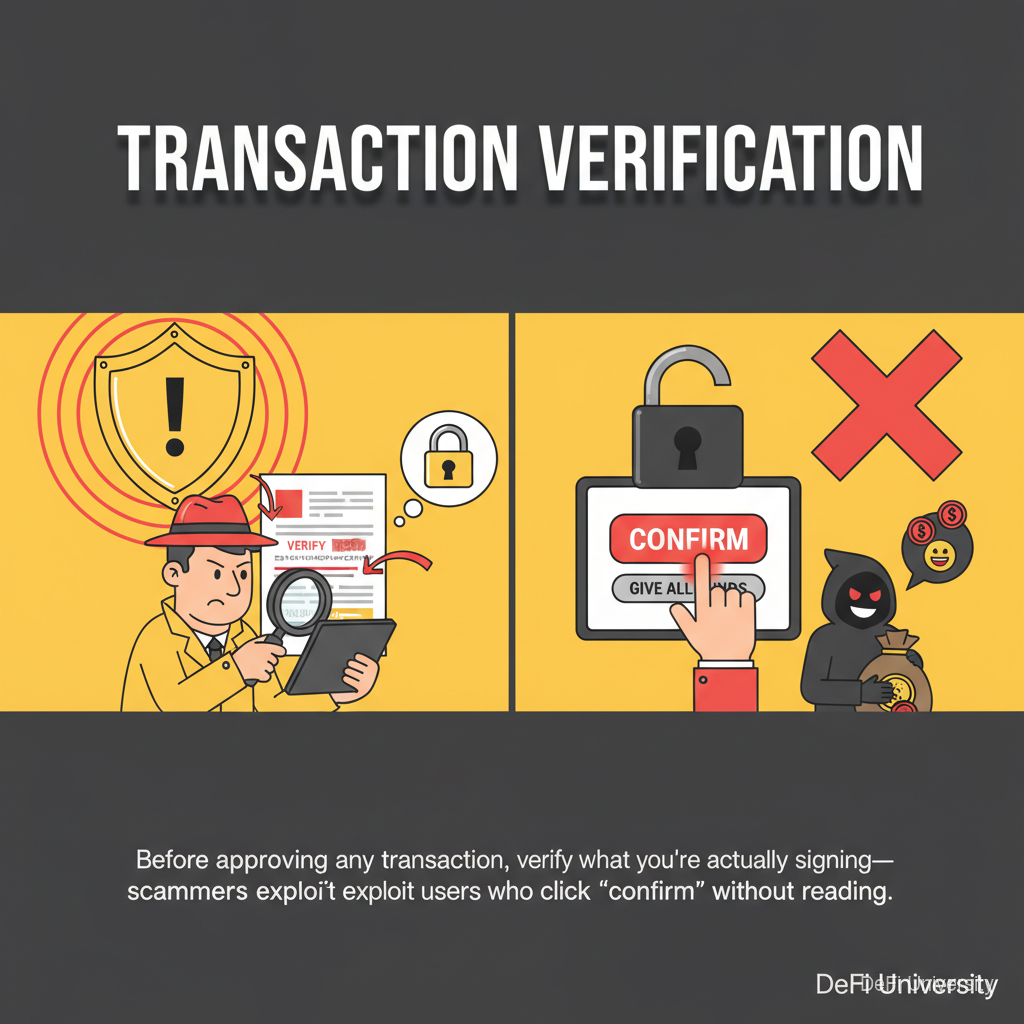
Core concept: Before approving any transaction, verify what you're actually signing—scammers exploit users who click "confirm" without reading.
Double-Checking the Shipping Address
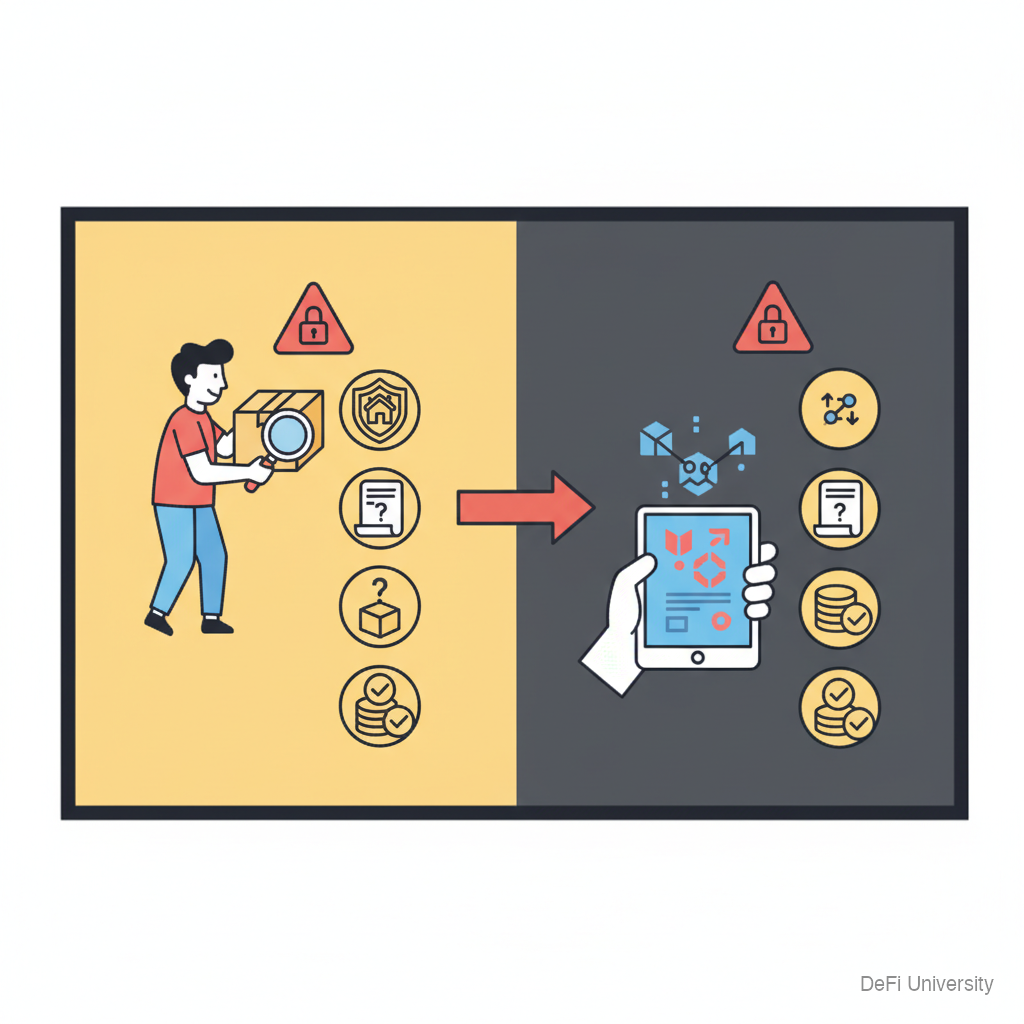
Before mailing a package, you verify:
Is this the right address?
Is the contents description accurate?
Is the shipping cost correct?
Before approving a crypto transaction, same verification:
Is this the right recipient/contract?
Is the action what I intended?
Are the fees reasonable?
Clicking "approve" without checking is like mailing a package without looking at the label.
What You're Actually Approving
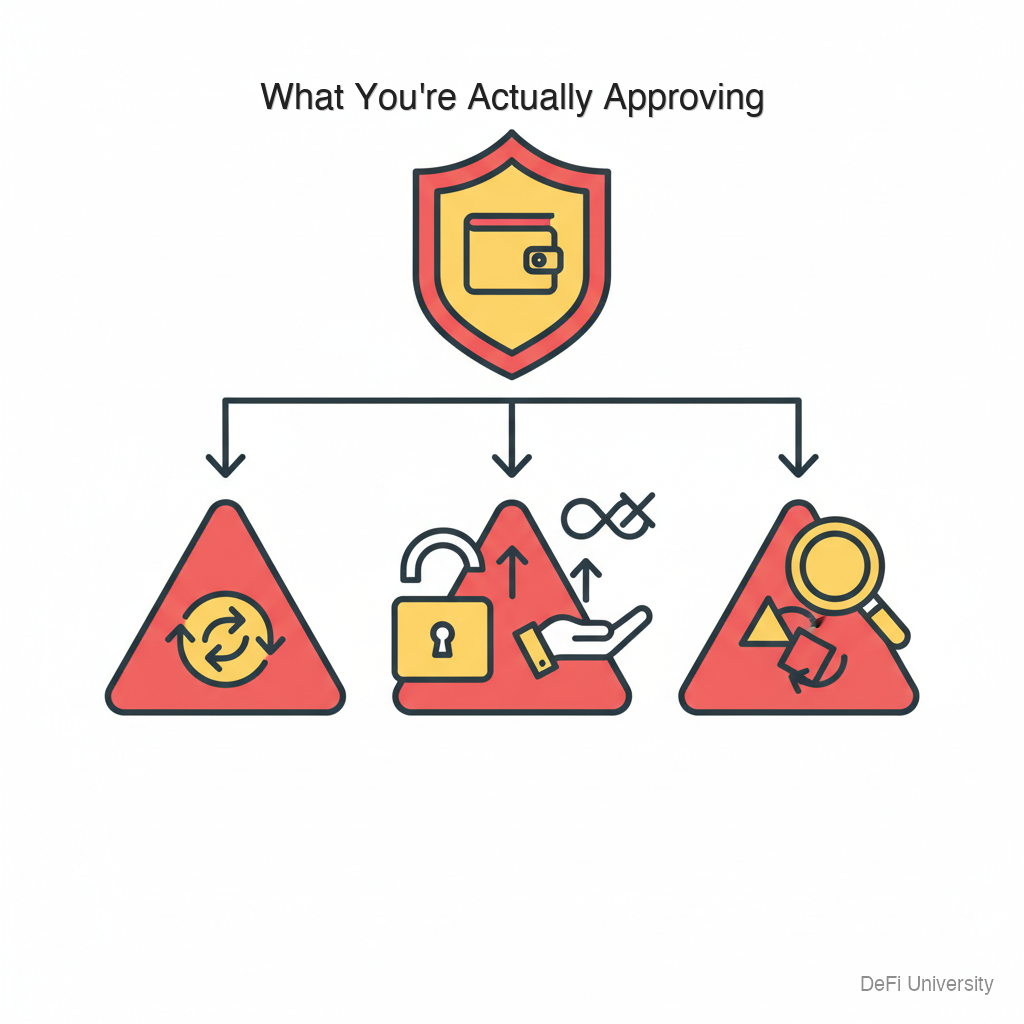
When your wallet pops up asking to approve a transaction, you might be approving:
Token transfer: Sending tokens from your wallet.
Token approval: Giving a contract permission to move your tokens (dangerous if unlimited).
Contract interaction: Calling a function on a smart contract (could do anything the contract is programmed to do).
Signature: Signing a message (sometimes used for authentication, sometimes exploited).
Each type carries different risks. Understanding what type of transaction you're approving is crucial.
Reading Wallet Prompts
When a transaction appears, check:
What site triggered this? Your wallet shows which site requested the transaction. Does it match where you think you are?
What am I sending? For transfers, verify the token and amount are what you intended.
What am I approving? For approvals, see what token and how much access you're granting.
Who's receiving? Check the recipient address. Is it what you expected?
What function is being called? Some wallets show the function name. "Transfer" is different from "Approve" or "setApprovalForAll."
Dangerous Transaction Types
Unlimited token approvals: "Approve USDC spending: unlimited" This gives the contract permission to take any amount of that token, anytime. Only approve what's needed.
setApprovalForAll: For NFTs, this gives complete access to an entire collection. Very dangerous for unknown contracts.
Blind signing: Some transactions can't be fully decoded. Approving something you can't read is risky.
Multiple transactions in sequence: Scams sometimes request multiple approvals quickly. Each deserves individual verification.
Before Clicking Approve
Quick checklist:
☐ Is this site legitimate? Check URL in your wallet's prompt.
☐ Is the action what I intended? If you expected a swap, is this a swap? If you expected to mint, is this a mint?
☐ Is the amount correct? Verify token amounts match your intention.
☐ Is the recipient expected? For transfers, is this address what you intended?
☐ Is the approval limited? For token approvals, is it limited to the amount needed?
☐ Do I understand what this does? If you don't understand, don't approve until you do.
What to Do If Unsure
Reject and research: You can always reject and come back. Transactions can be re-requested.
Ask in public: For new protocols, ask in official community channels if transactions look normal.
Use simulation tools: Some tools simulate transactions before execution, showing you what will happen.
Small test first: For new interactions, test with small amounts first.
When in doubt, don't approve: Better to miss an opportunity than lose everything to a scam.
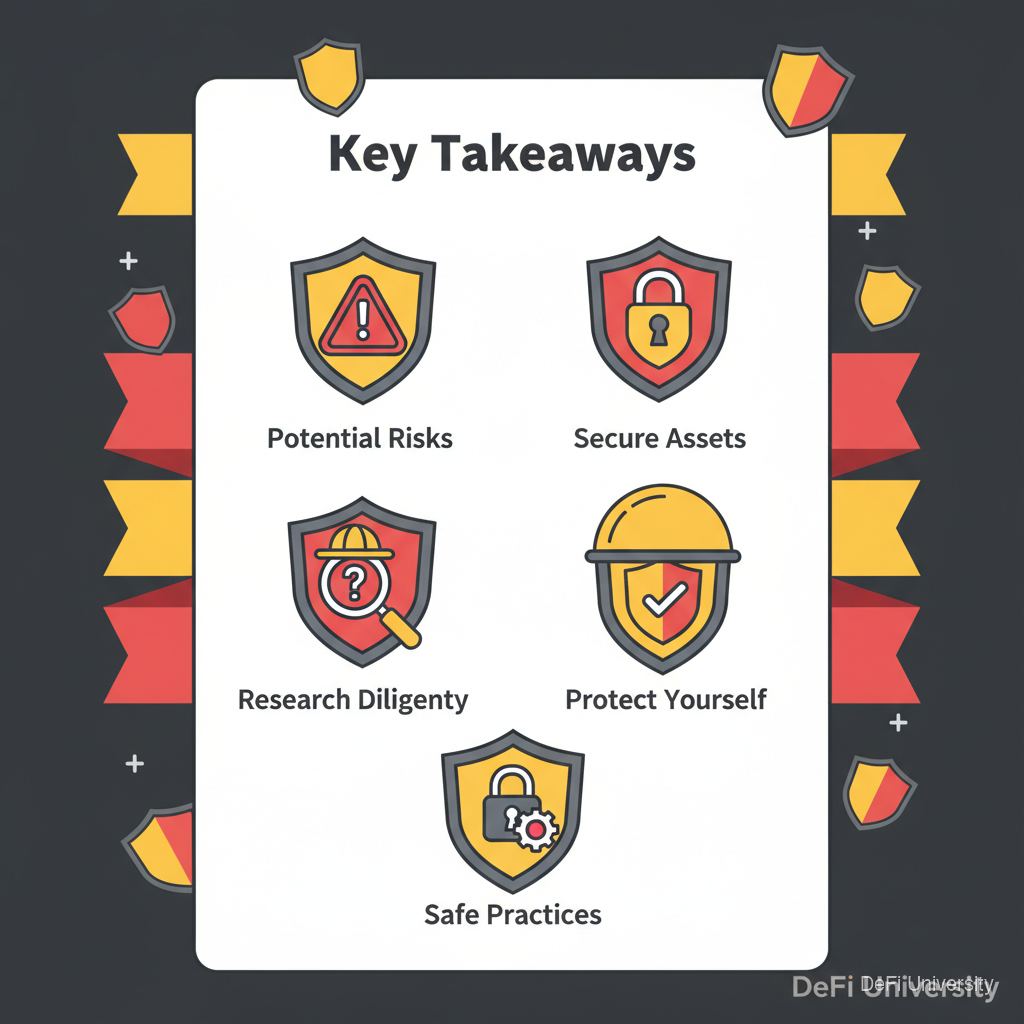
Key Takeaways
Always read before approving—don't blindly click confirm
Verify the requesting site—wallet shows which site triggered the transaction
Understand what you're approving: transfer, approval, contract interaction
Avoid unlimited approvals—only grant permission for what's needed
Check amounts, recipients, and function calls—verify matches your intention
When unsure, reject—you can always try again after researching
Last updated