Lesson 1: Phishing Attacks Explained

🎧 Lesson Podcast

🎬 Video Overview

Lesson 1: Phishing Attacks Explained
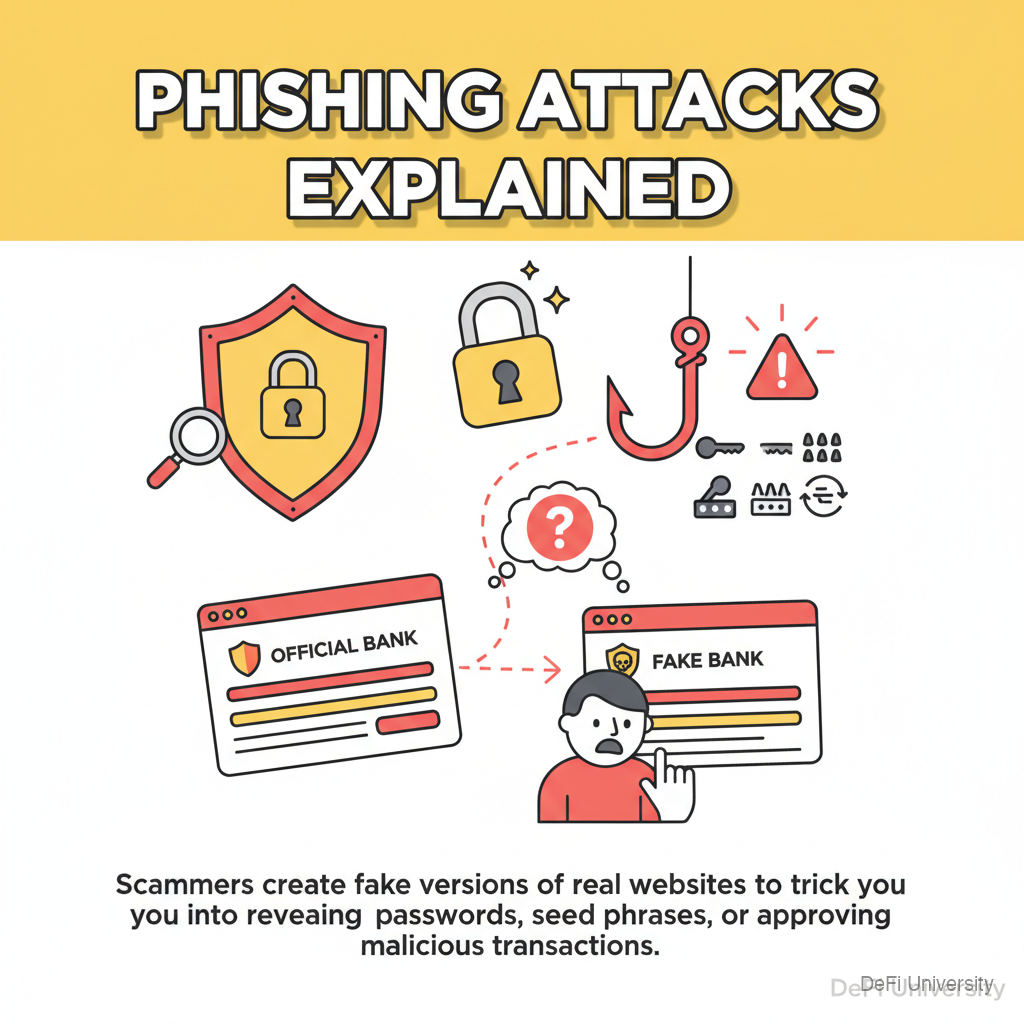
Header

Core concept: Phishing is when scammers create fake versions of real websites or services to trick you into revealing passwords, seed phrases, or approving malicious transactions.


Inline Analogy

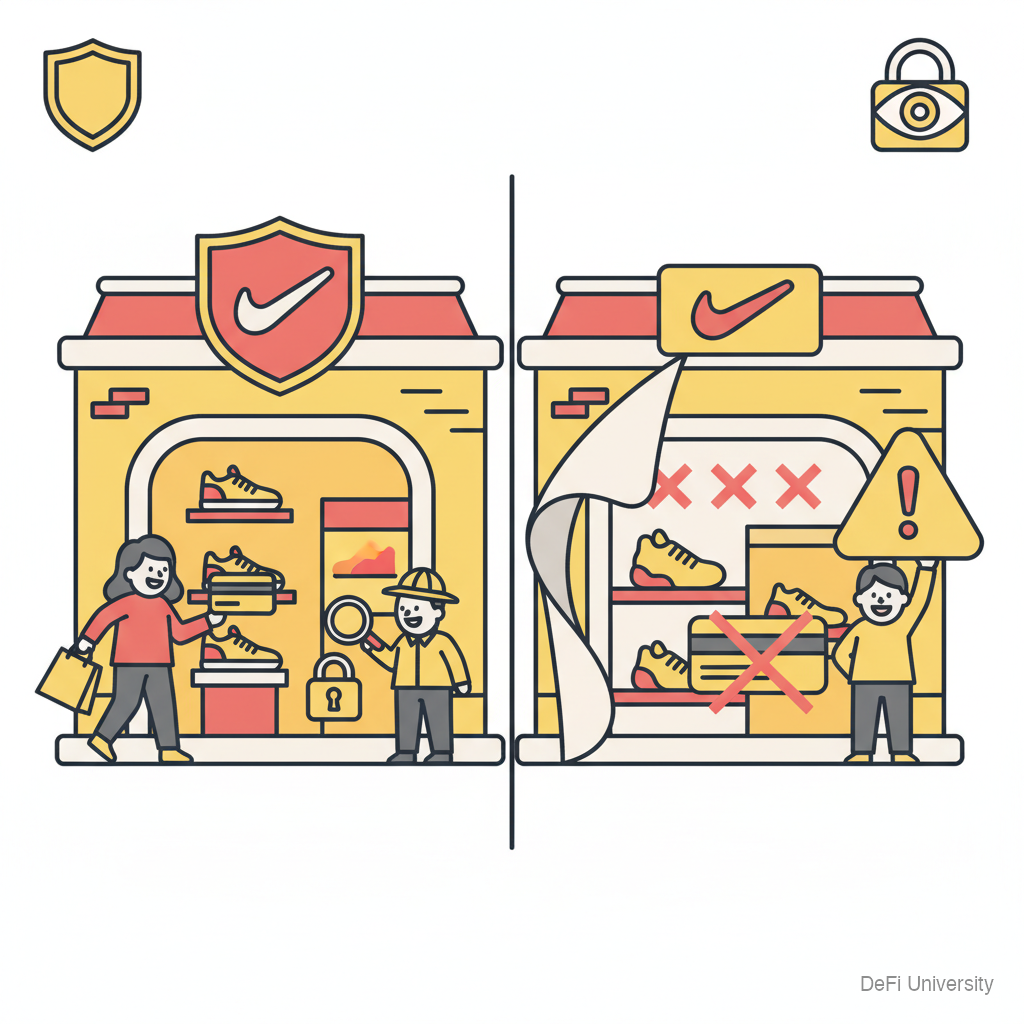
Imagine walking through a mall and seeing a Nike store. The logo looks right. The displays look official. You walk in, try on shoes, and hand over your credit card.

But it wasn't really Nike. It was a perfect copy designed to steal your payment information.

Phishing works the same way online. Scammers create websites that look identical to MetaMask, Coinbase, Uniswap, or other crypto services. You think you're logging into your real wallet or exchange—but you're giving your credentials to thieves.


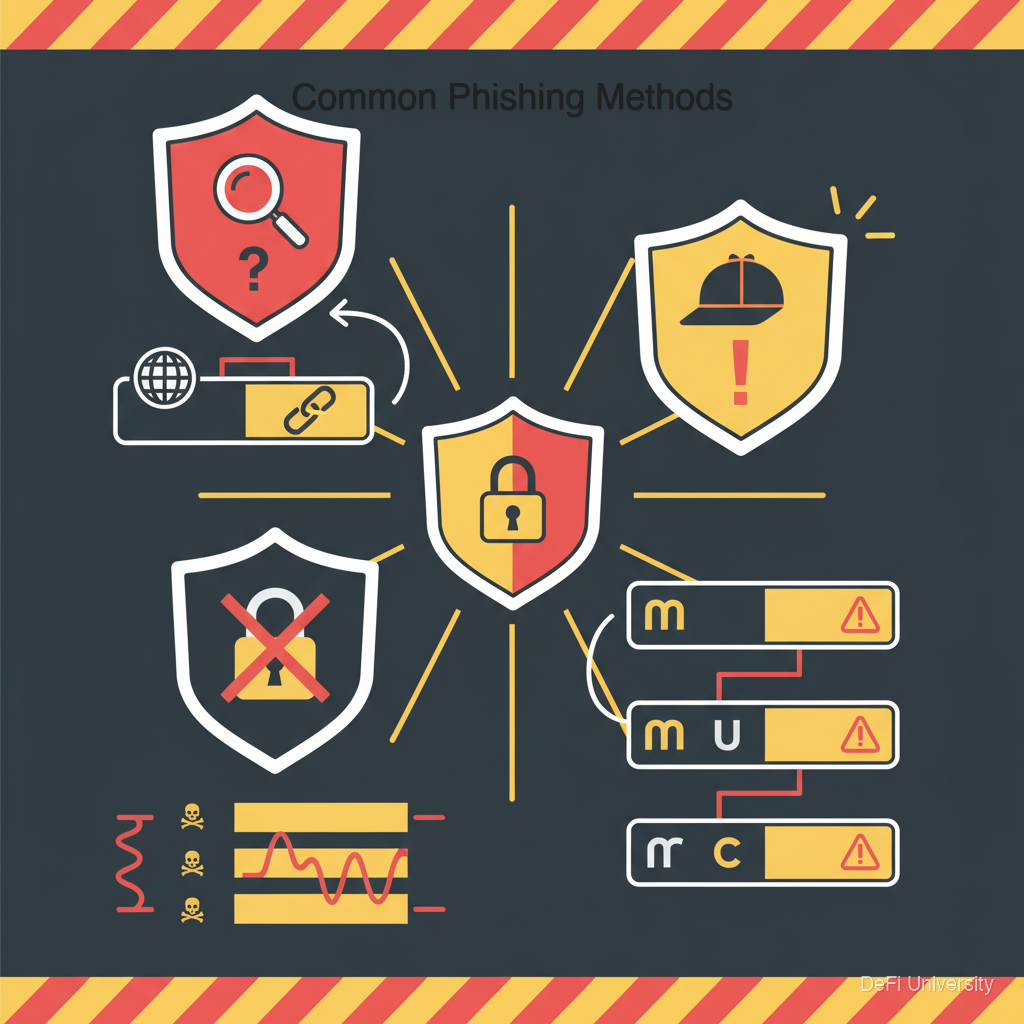
Common Phishing Methods

Infographic

Fake Websites

Scammers copy legitimate sites pixel-by-pixel but host them at slightly different URLs:

  • metamask.io (real) vs. metamask-wallet.io (fake)

  • uniswap.org (real) vs. uniswap.exchange (fake)

  • coinbase.com (real) vs. coinbase-login.com (fake)

These sites look identical but steal whatever you enter.

Fake Emails

"Your account has been compromised. Click here to verify." The link goes to a phishing site. Real companies rarely send emails asking you to click and enter credentials.

Fake Social Media DMs

"Hi! I'm from [Exchange] support. Please verify your account here." No legitimate company does support through random DMs.

Malicious Browser Extensions

Fake wallet extensions in browser stores. You install "MetaMask" but it's a clone that steals your seed phrase.

Fake Mobile Apps

Look-alike apps in app stores. They ask for your seed phrase during "setup" and steal everything.


How to Spot Phishing

Check URLs carefully:

  • Look for subtle misspellings

  • Check the domain (.com vs. .io vs. .org)

  • Verify the exact URL, not just "looks right"

Use bookmarks:

  • Bookmark real sites

  • Always navigate via your bookmarks

  • Don't trust search results or email links

Verify SSL certificates:

  • Look for the lock icon

  • But know that scammers also get SSL certificates—it's not proof of legitimacy

Question urgency:

  • "Act now or lose access!" is a scam tactic

  • Real emergencies don't require clicking random links

Official downloads only:

  • MetaMask only from metamask.io

  • Apps only from official app stores

  • Still verify developer/publisher name


What Phishing Sites Ask For

Red flags you're on a phishing site:

Seed phrase entry: No legitimate service EVER asks for your full seed phrase in a web form.

Private key entry: Same as seed phrase—never needed on websites.

"Verification" of existing wallet: You don't verify wallets by entering seed phrases.

Suspicious transaction approval: Connect wallet, then asked to approve weird contracts.

If a site asks for your seed phrase, close it immediately. It's a scam. 100% of the time.


Real Examples of Phishing

Example 1: Search for "Uniswap" on Google. The first result is an ad for a phishing site that looks identical. User connects wallet, approves a transaction, and funds are drained.

Example 2: User gets Discord DM about "mint opportunity." Link goes to fake site that looks like a real NFT project. User connects wallet, approves "mint," actually approves unlimited token transfers.

Example 3: Email warns about "security breach at MetaMask." Link asks user to "re-verify" by entering seed phrase. User complies. Everything stolen.


Summary

Key Takeaways

  • Phishing creates fake versions of real sites to steal your credentials

  • URL differences are often subtle—one character, different extension

  • No legitimate service asks for your seed phrase—ever, for any reason

  • Use bookmarks for important crypto sites—don't trust search or links

  • Urgency is a red flag—scammers create false urgency to prevent careful thinking

  • When in doubt, close the tab—verify through official channels separately

Last updated